Governance
How Bill Drafts Meeting Minutes So Secretaries Can Sleep
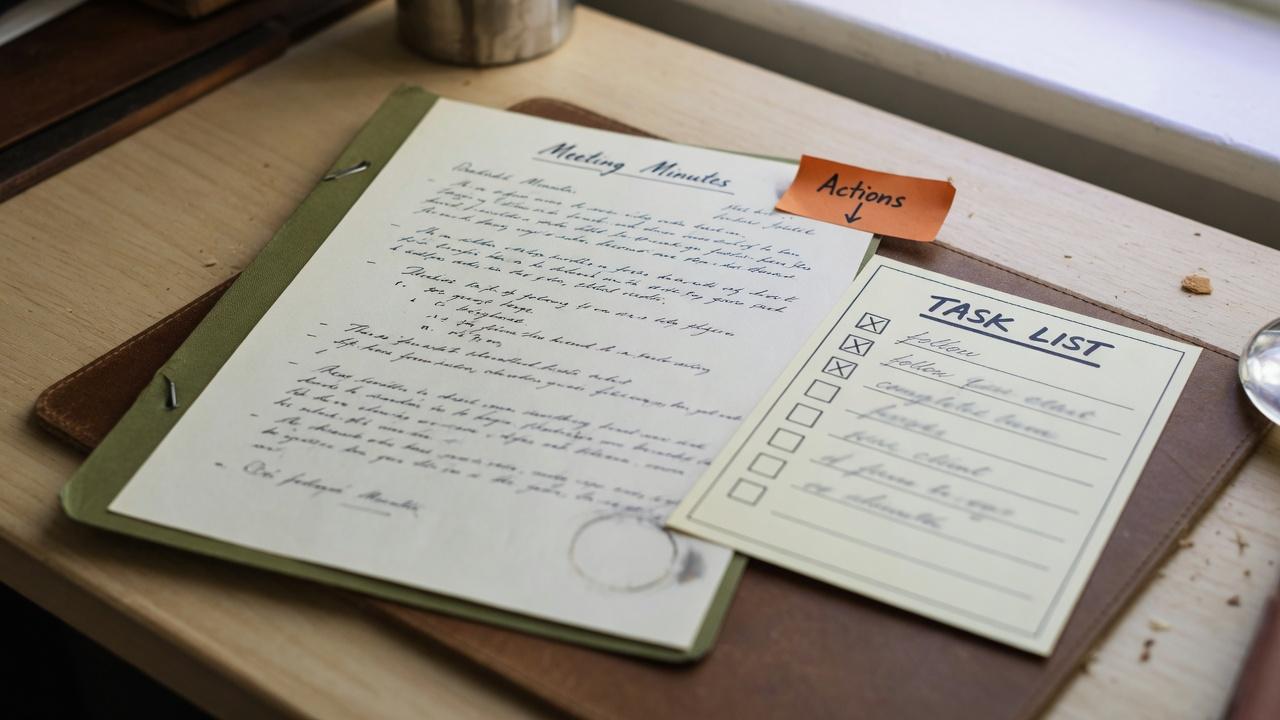
The meeting ends at nine. The bar is still noisy. The secretary is already dreading Sunday night with a blank Word document and half a notebook of abbreviations. Minutes do not have to finish that way — if the draft starts inside the meeting record, with version history and a clear approval path, the job becomes finishing rather than inventing.
What good minutes do (and what they skip)
Minutes record decisions, not a transcript of every joke and debate. They show who was present, what was resolved, what was noted, and what actions were assigned — with enough detail that a director who was absent can understand outcomes.
For Australian incorporated clubs, minutes are part of the official record your board may rely on for years. That is why "draft → approved → locked" matters more than font choice.
Starting from the meeting record, not a loose file
When minutes live on the meeting in ClubCensus, they stay tied to the agenda, attendance, and motions. There is no mystery attachment called "Minutes_FINAL_revised.docx" on someone's laptop.
How Bill drafts minutes on request
Bill, your club secretary assistant, is on Starter and above (within usage limits). Drafting minutes into the meeting record — and running the Draft → Approved → Locked workflow — is part of Professional and above board tooling.
Bill works from the meeting context and notes you already captured. The draft lands in the meeting record; it does not float in email. The secretary reads, corrects names and resolutions, and only then moves toward approval.
Version history and lock protection
Approved minutes should not change silently. On Professional and above, ClubCensus keeps version history and supports locking once the board approves — so a dispute two years later can be settled against a clear record, not memory.
Export to PDF when you need a copy in a board pack or an archive folder; the authoritative workflow remains in the system.
From minutes to actions the same week
The highest-value sentences in minutes are the actions. On Professional and above, board tasks with owners and due dates turn "Finance to report back" into a tracked item before the coffee cups are cleared.
See our guide on turning minutes into board tasks for the full loop — the habit matters more than the software brand.
Related: From meeting minutes to board tasks
RSL, bowls, golf, and community clubs — same rhythm
Venue names and affiliated bodies change; the secretary job does not. Whether you are at an RSL sub-branch, a bowls club, or a sailing club, the rhythm is identical: capture during the meeting, draft while context is fresh, approve at the next board meeting, lock, and assign actions.
Built-in guides for Australian club types help Bill use sensible wording — they are operational hints, not legal advice.
When to escalate to your solicitor
Disputed resolutions, member disciplinary matters, and constitutional changes need qualified legal advice. ClubCensus organises the record; it does not replace counsel.
FAQ
- Does Bill send minutes to members automatically?
- No. Minutes follow your approval workflow and permissions. The secretary and board decide when draft minutes circulate and what members can see.
- Is Bill included on our plan?
- Bill is on Starter and above within usage limits. The minutes workflow (draft, approve, lock) and board tasks are Professional and above. Minutes always need secretary review before they become official.